The Basics
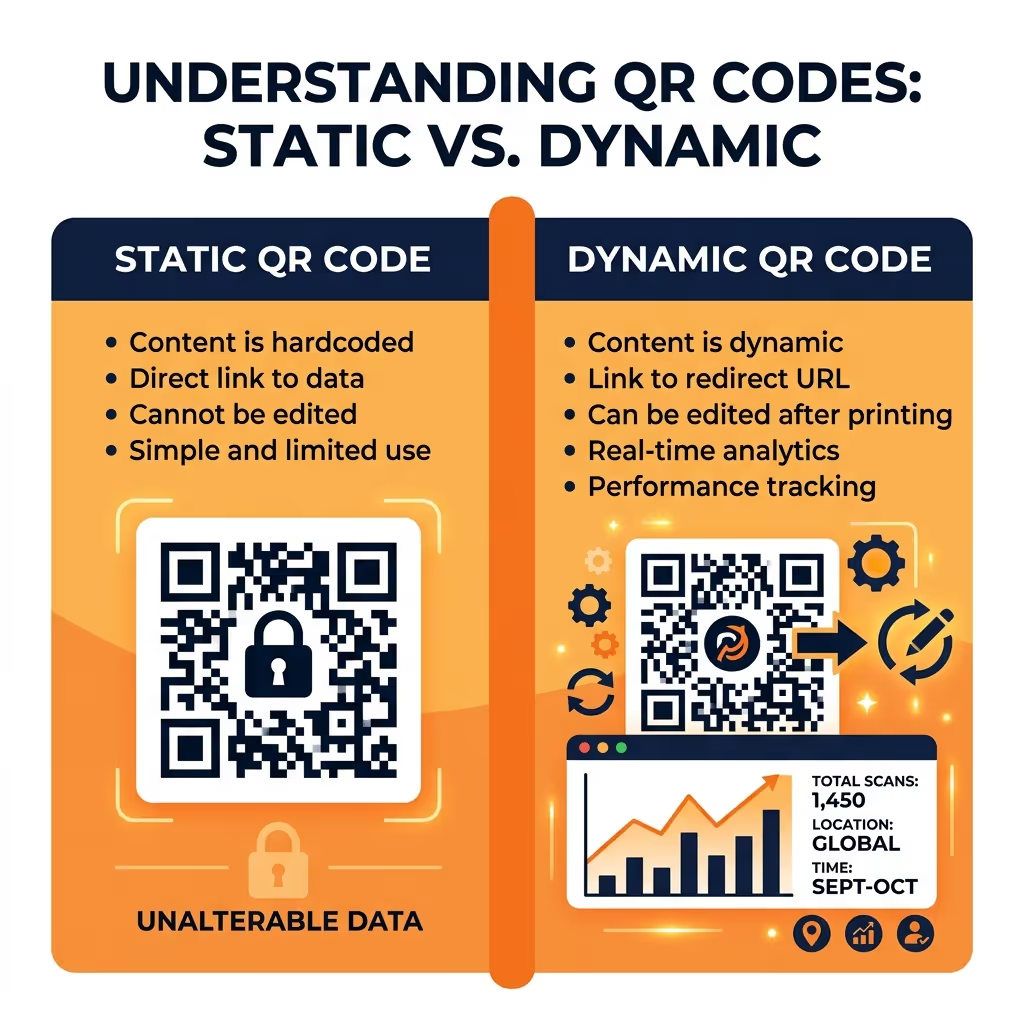
Every QR code falls into one of two categories: static or dynamic. The difference affects how your code works, what you can track, and whether you can update it after printing.
Static QR Codes
A static QR code encodes data directly into the pattern itself. The destination URL, WiFi credentials, or contact info is baked right in.
Pros:
- Free to create (unlimited with EverQR)
- Works forever, even offline
- No dependency on a third-party server
Cons:
- Cannot be edited after creation
- No scan tracking or analytics
- Larger data = more complex (harder to scan) patterns
Best for: Permanent links, WiFi passwords, contact cards, internal use.
Dynamic QR Codes
A dynamic QR code contains a short redirect URL instead of the final destination. When someone scans it, they hit the redirect server, which forwards them to the actual content.
Pros:
- Edit the destination anytime without reprinting
- Full scan analytics (device, browser, location, time)
- Shorter URLs mean simpler, easier-to-scan patterns
- Can be paused or deactivated
Cons:
- Requires a service (like EverQR Pro) to manage redirects
- Depends on the redirect server being online
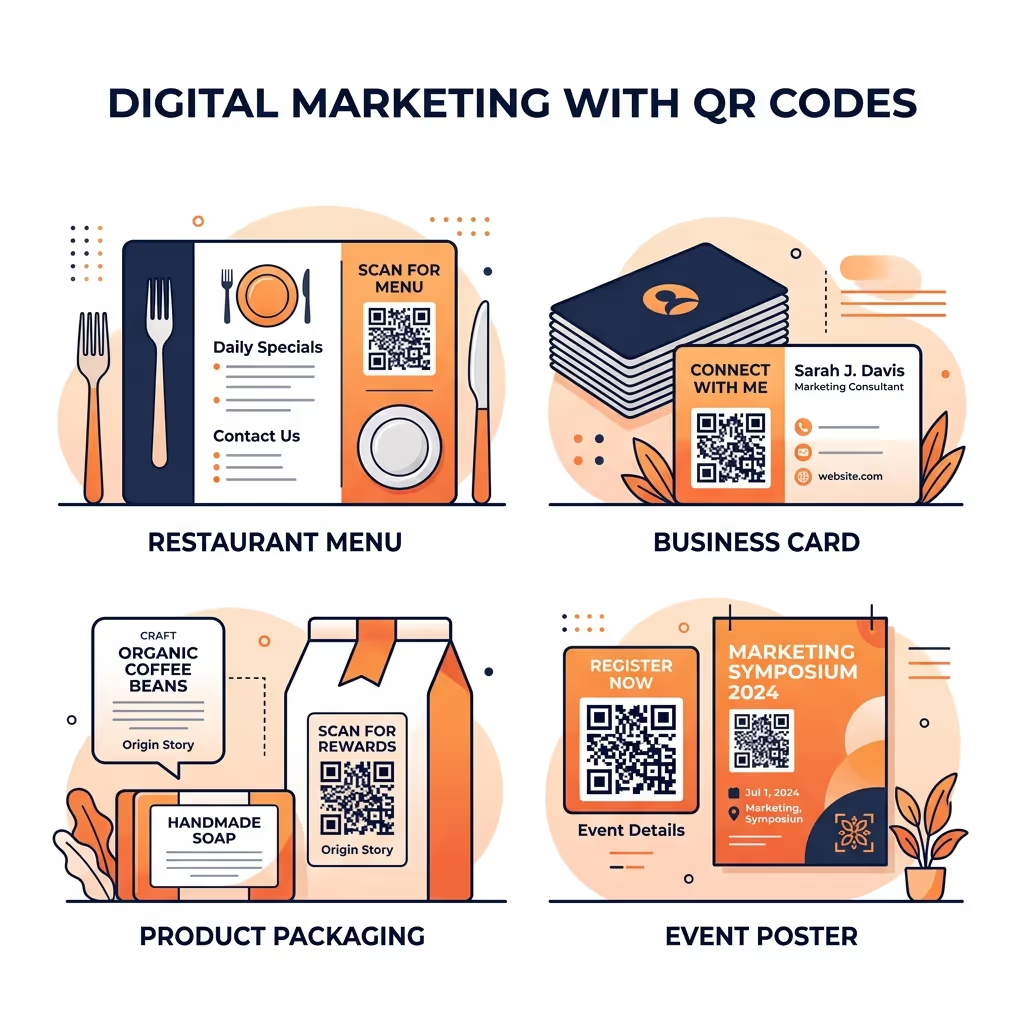
Best for: Marketing campaigns, product packaging, event materials, anything that might change.
Which Should You Choose?
If your content will never change and you don’t need analytics, static codes are perfect. They’re free and work forever.
If you’re running campaigns, printing on physical materials, or need to know how many people are scanning, go dynamic. The ability to edit without reprinting pays for itself the first time you catch a typo after printing 1,000 flyers.
Looking for a free QR code that never expires? Here’s how to make a permanent QR code for free.
Try Both
Create static QR codes for free at everqr.com. Ready for dynamic codes with analytics? Start a free 30-day trial of EverQR Pro — no credit card required.