What Is a WiFi QR Code?
A WiFi QR code stores your network name, password and security type. When someone scans it with their phone camera, the phone offers to join the network. No spelling out passwords, no “is that a zero or an O?”
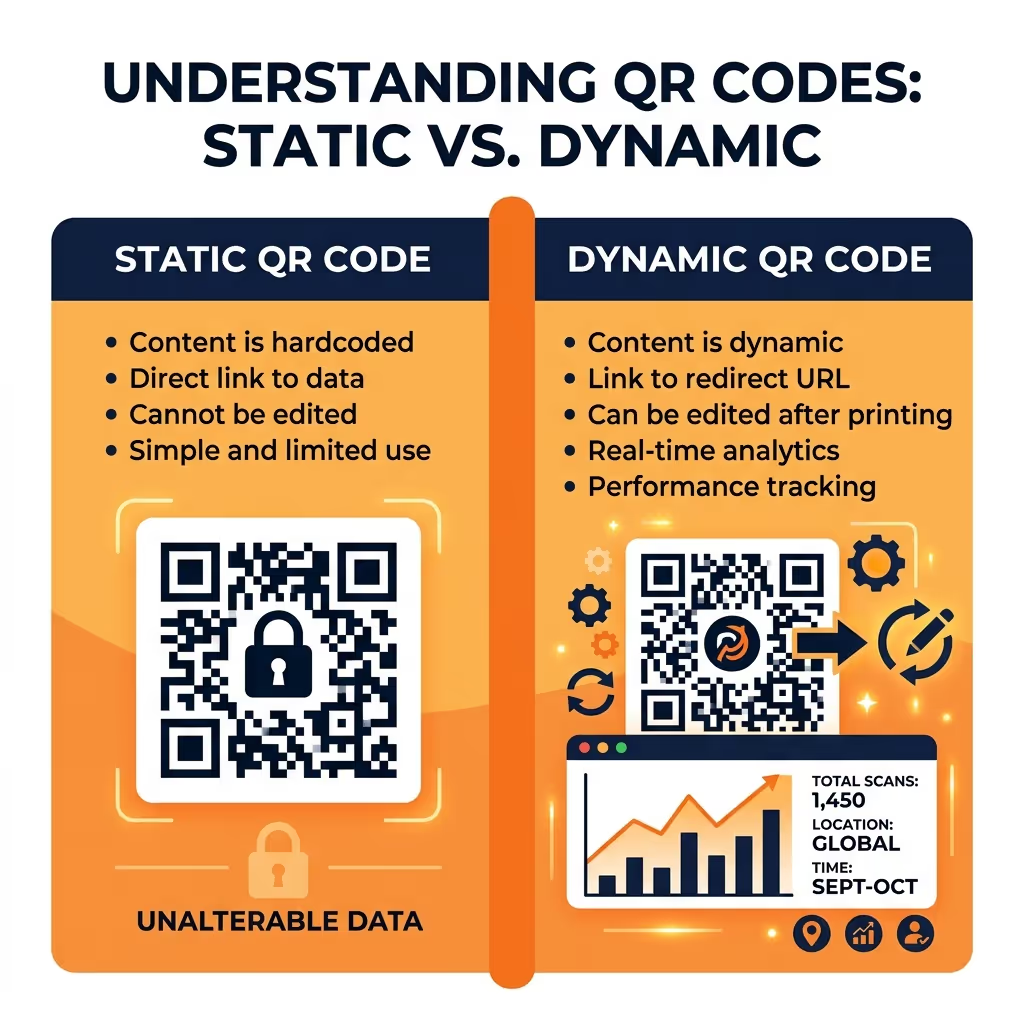
WiFi QR codes are static, which means:
- They’re free to create
- They never expire and can be scanned unlimited times
- They work offline: the phone reads the details straight from the code, with no website in between
They’re perfect for homes, cafés, offices, Airbnbs, hotels, clinics, waiting rooms and events.
How to Create a WiFi QR Code (Step by Step)
- Open the free QR code generator on EverQR.
- Select WiFi.
- Enter your network name (SSID) exactly as it appears on your devices. It’s case-sensitive.
- Enter your password.
- Choose the encryption: WPA/WPA2 for almost every modern router, WEP only for very old equipment, or None for an open network.
- Optionally change the colors and style, then click Generate.
- Download as PNG to share digitally or SVG for sharp printing at any size.
Test it with a phone that isn’t already connected (or “forget” the network first) before you print.
Where do I find my network name and password? They’re usually on a sticker on the bottom or back of your router, or in your router’s admin settings.
How to Scan a WiFi QR Code
iPhone and iPad
Open the Camera app and point it at the code. Tap the Join network notification that appears. This works on iOS 11 and later, with no extra app.
Android
On most phones from Android 10 onwards, open the Camera app or Google Lens and point it at the code, then tap Connect. On some models you’ll find a QR scanner icon in the WiFi settings screen or the quick settings panel.
Can I Get the WiFi QR Code From My Phone Instead?
On many Android phones, yes: go to Settings → Network & internet → WiFi, tap your connected network and choose Share. The phone shows a QR code on screen.
That’s handy for a one-off, but it isn’t great for printing (it’s a screenshot, it may need you to unlock the phone each time, and you can’t style it). For a table card, a welcome book or a poster, generate a clean, high-resolution code instead.
Ideas for Using a WiFi QR Code
- Cafés and restaurants: print it on table cards, menus or the receipt.
- Airbnb and holiday rentals: add it to the welcome book or a frame by the door. Guests connect in seconds, and you get fewer messages.
- Offices and coworking: put a guest WiFi code at reception and in meeting rooms.
- Events and weddings: include it on signage or programs.
- At home: stick one on the fridge for visiting family and friends.
Our QR code design tips will help it scan reliably once printed.
WiFi QR Code Security Tips
- Use a guest network. Anyone who scans the code gets your password. Most routers let you create a separate guest network that can’t see your personal devices.
- Think about where you display it. A code visible from the street shares your WiFi with the street.
- Change the password if needed, then make a new code. Because the code is static, the old one will stop connecting once the password changes. That’s a feature: it’s an easy way to cut off old access.
- Your password stays private on EverQR. The generator runs entirely in your browser, so your WiFi details aren’t sent to our servers.
Troubleshooting
- “Unable to join network”: check the network name and password for typos and capital letters, and confirm the encryption type.
- The phone doesn’t react: make sure the camera’s QR scanning is enabled, and that the code is printed large enough with good contrast.
- It worked before and stopped: the WiFi password or network name was probably changed. Generate a new code. See why QR codes stop working for other causes.
- Hidden networks: some phones can’t auto-join a hidden network from a QR code. Making the network visible usually fixes it.
FAQ
Is a WiFi QR code free?
Yes. WiFi QR codes are static, so you can create as many as you like for free, and they never expire.
Does a WiFi QR code expire?
No. It keeps working as long as your network name and password stay the same.
Do I need an app to scan a WiFi QR code?
No. Modern iPhones and Android phones can scan WiFi QR codes with the built-in camera.
Can I see who connected using the QR code?
Not from the code itself, since static codes don’t track scans. Your router’s admin page shows which devices are connected.
Can I change the password on an existing WiFi QR code?
No. The password is stored inside the pattern. Create a new code with the new password, which takes less than a minute on the free generator.